Fleet Document Scanning Software That Turns Paperwork into Usable Data
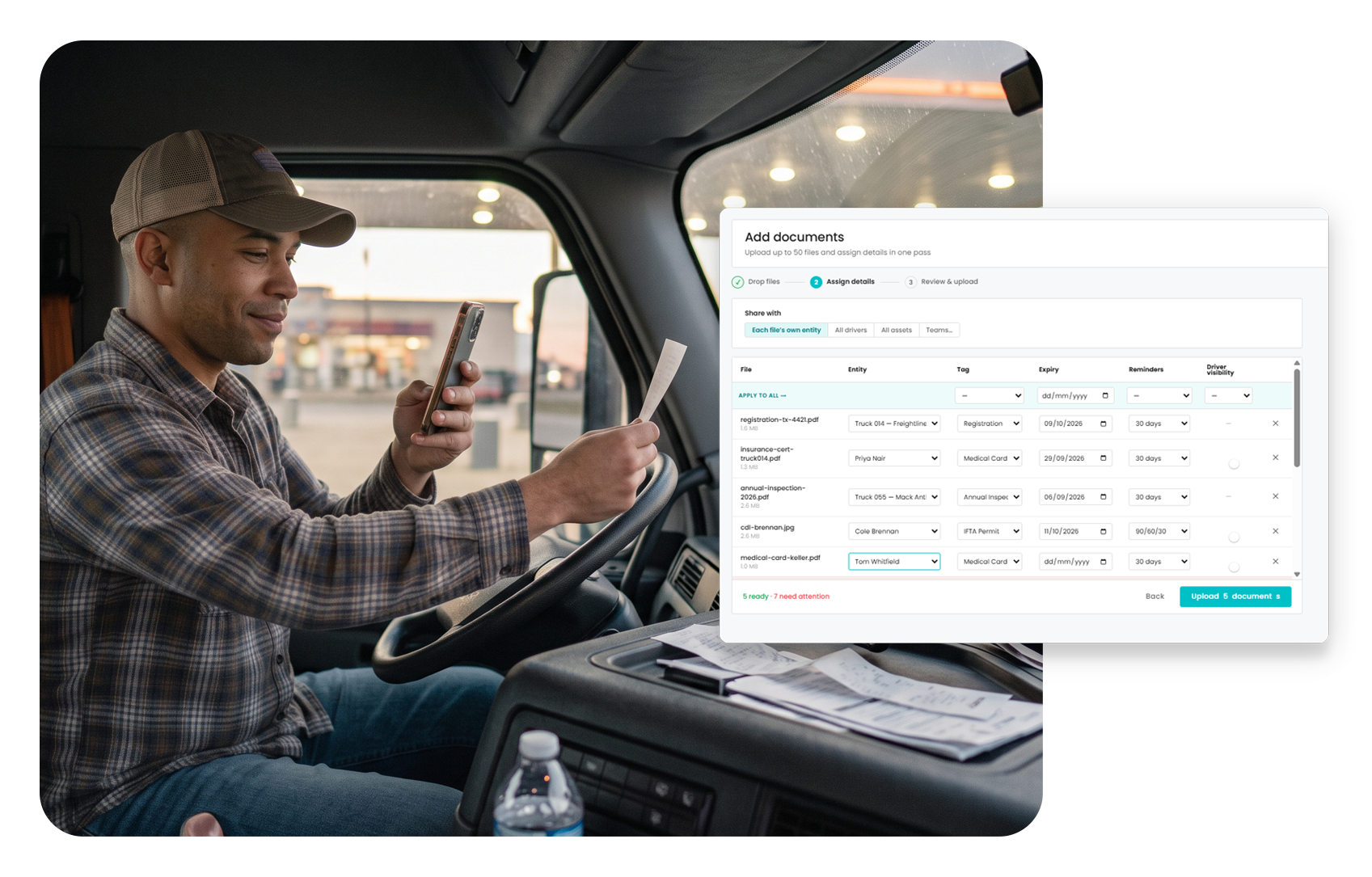
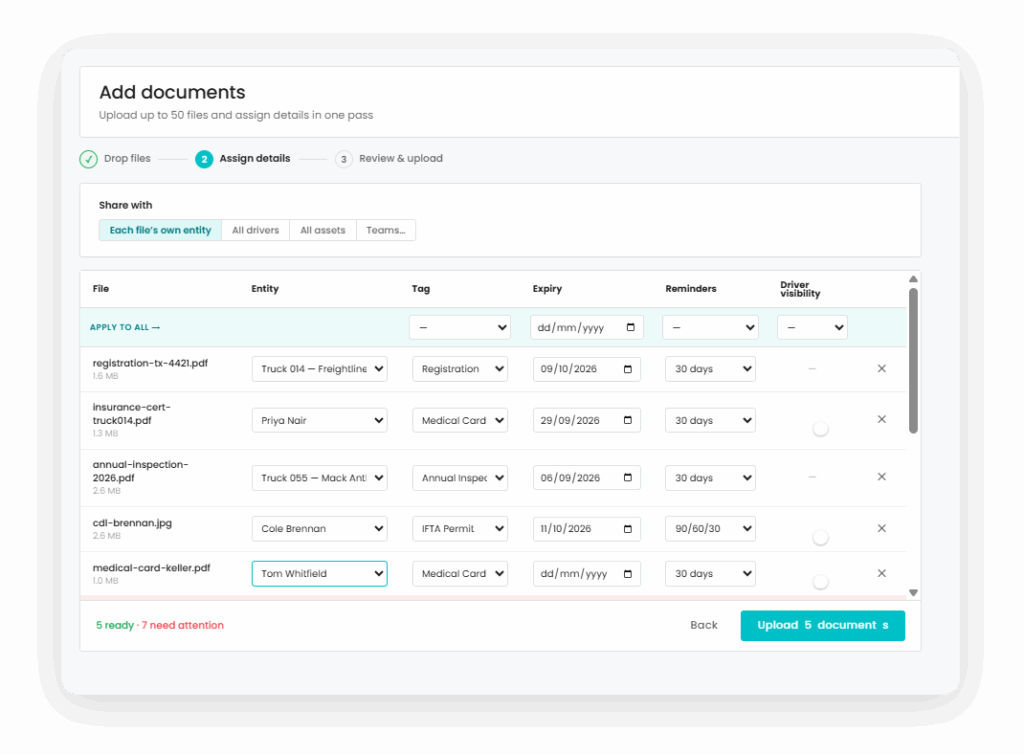
Turn vendor invoices, fuel receipts, and parts receipts into work orders and cost records with Whip Around’s AI fleet maintenance software. Built for fleet maintenance teams, document scanning captures asset details, line items, and costs to save time on manual entry.
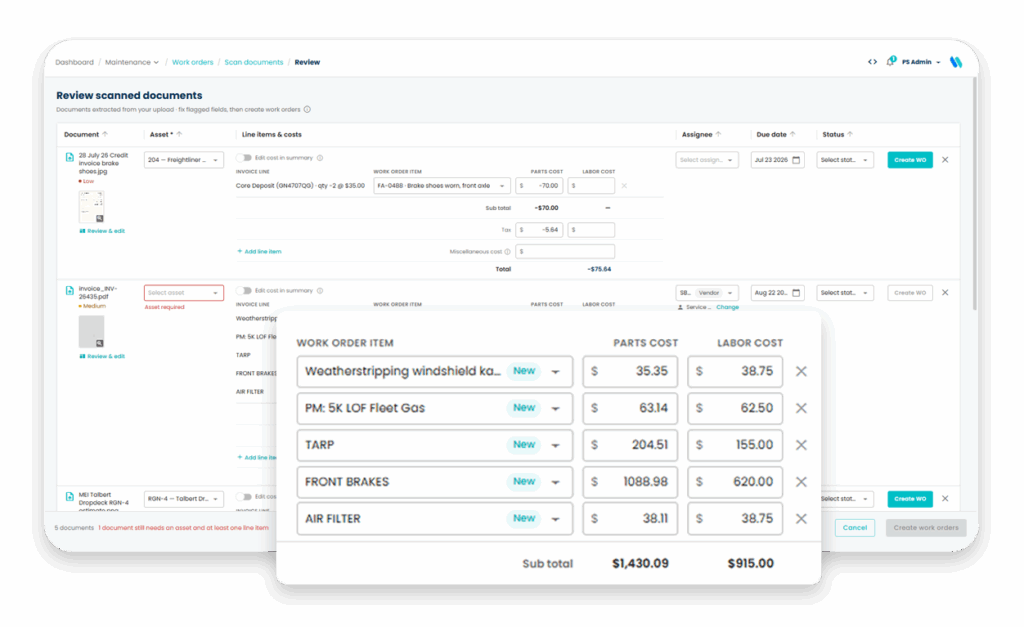
Upload an invoice or receipt, and FleetAI extracts the details for a work order or cost record linked to the asset. Review and adjust the information before saving, without entering each line item yourself.
Manually entering part numbers and costs takes time and leaves room for typos. AI document scanning pulls those details from the invoice or receipt, helping your team reduce transcription errors.
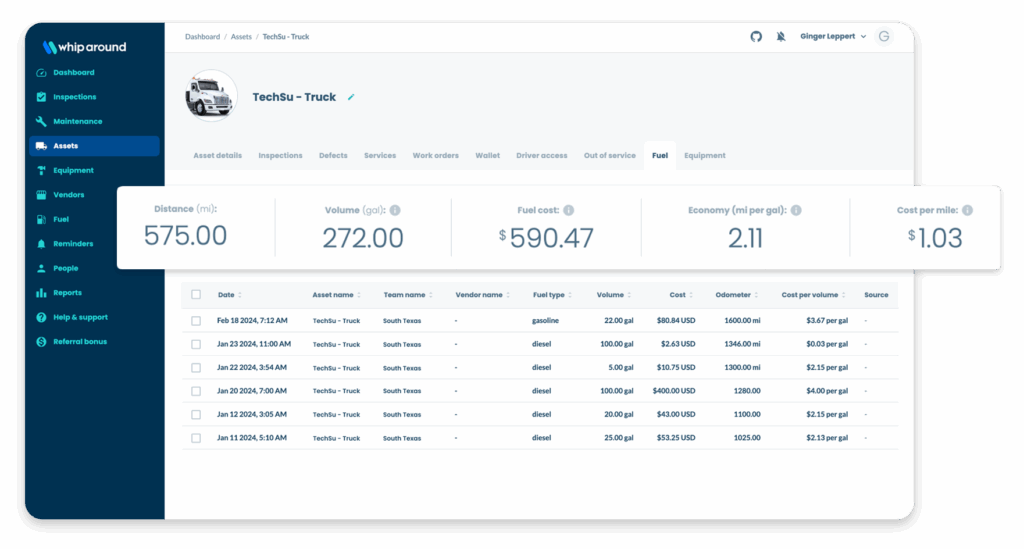
Keep scanned expenses connected to each asset’s cost and service history. Your team can see what’s been spent on fuel, parts, and repairs without chasing down paper receipts.
Document scanning is part of FleetAI, an Advanced Maintenance add-on that also reviews inspections and automates fleet workflows. Use it with Work Orders to manage invoices and receipts in the same place you manage maintenance.
What is Whip Around’s fleet document scanning software?
Fleet document scanning software uses AI to extract information from invoices and receipts for maintenance and expense records. Whip Around’s FleetAI captures asset details, line items, and costs to help create work orders and cost records.
How does Whip Around’s document scanning work?
Upload a supported invoice or receipt, and FleetAI extracts the asset information, line items, and costs. Your team can review and adjust the details before saving them to a work order or cost record.
What types of documents can Whip Around scan?
Whip Around supports vendor invoices, fuel receipts, and parts receipts. Details from these documents can be used to create work orders or record expenses against a vehicle or piece of equipment.
Does document scanning replace manual data entry?
Document scanning reduces manual entry by extracting information your team would otherwise type by hand. Your team should still review the captured details and make any necessary corrections before saving.
Can scanned documents update an asset’s maintenance history?
Scanned invoice and receipt details can be added to the asset’s service and cost records, helping your team keep its maintenance history up to date.
What subscription do I need for document scanning?
Document scanning is available through the FleetAI add-on and requires Work Orders access, which is included in a Pro subscription. Contact Whip Around to confirm the right setup for your team.