Landscaping

Enabling safety, efficiency, and profitability

Landscaping fleet maintenance solutions

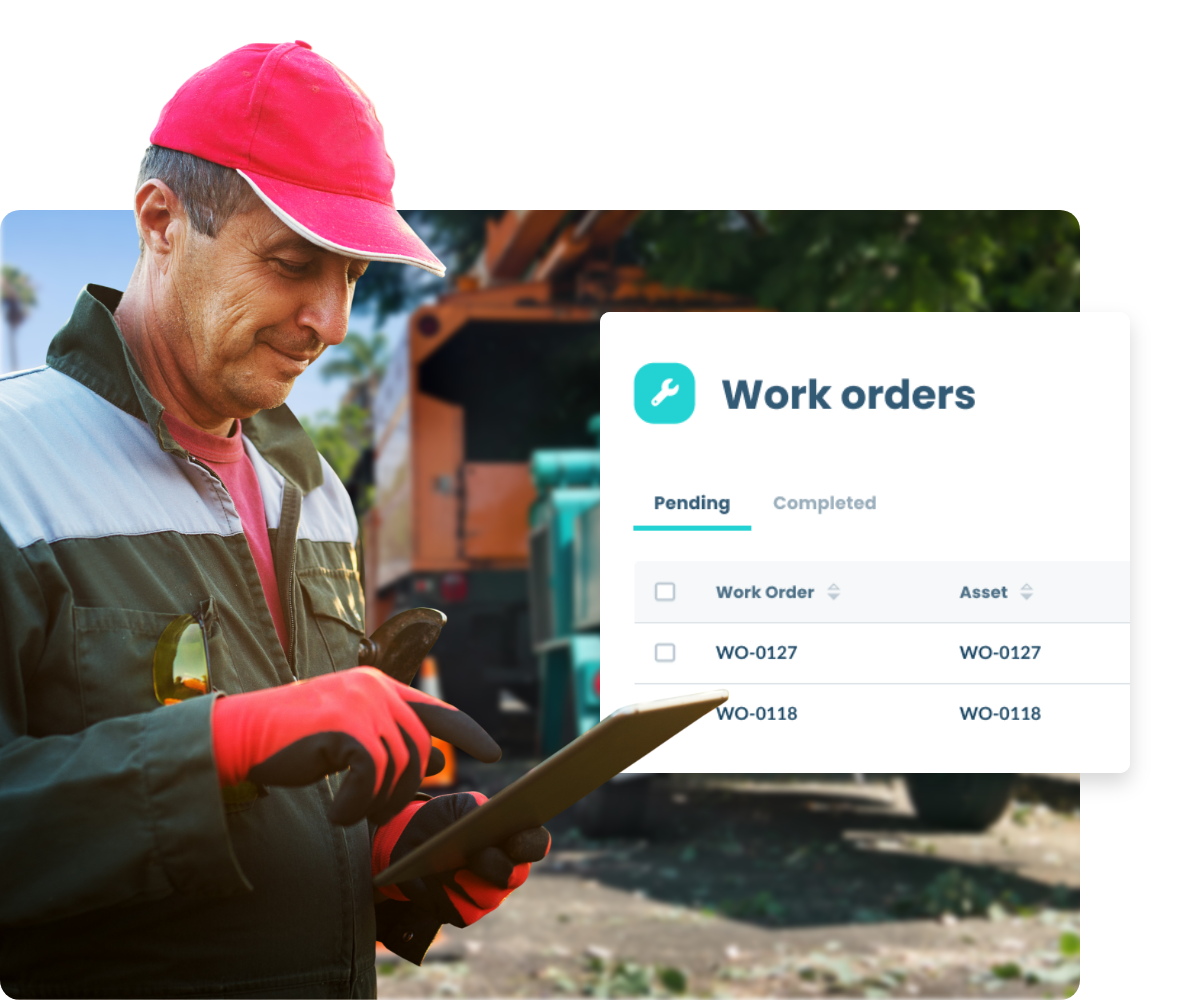
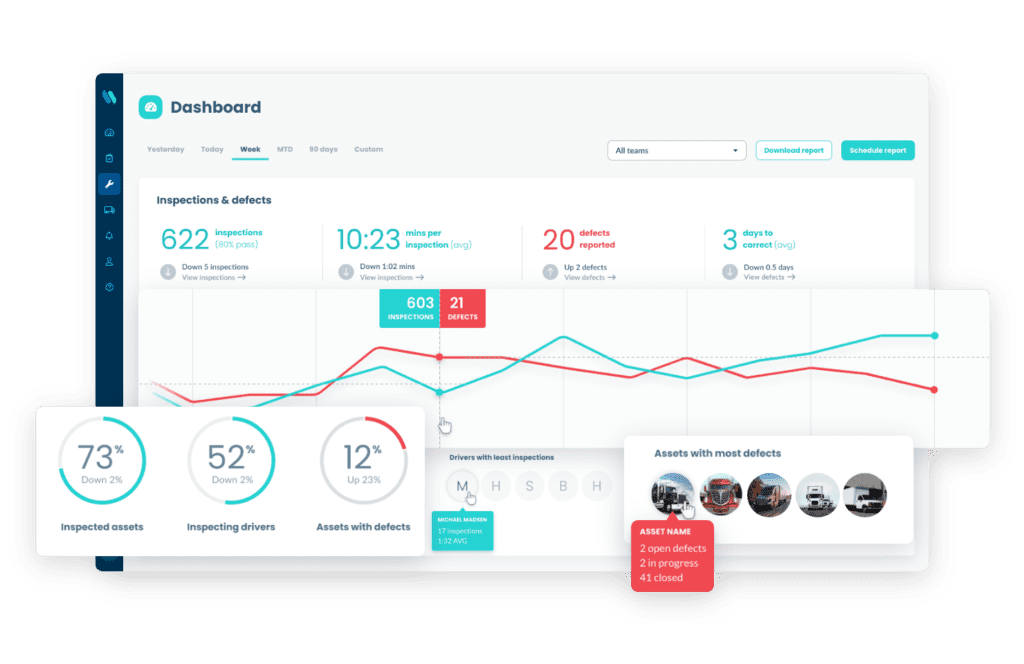
Conduct digital inspections, identify defects and maintain your vehicles, equipment and assets in one easy-to-use landscaping fleet maintenance platform.

Get proof of jobs & inspections​

Document defects with custom forms, mandatory photos and inspection history.

Maintain control of maintenance​

Prevent unnecessary repairs and downtime and configure reminders.

Create culture around safety​

Keep your drivers safe while avoiding FMCSA/DOT violations and fines.

Keep your people out of harm's way

Simple safety processes

Create a culture focused on simplicity and safety while optimizing processes to maximize profitability and cut costs.

Move from reactive to proactive

Identify issues & fix faults swiftly

Get notified as soon as issues are identified so you can take the appropriate steps to resolve them while enhancing communication between you, your drivers, and your mechanics.

What our landscaping customers are saying

Don’t take it from us. See what other landscaping brands around the globe are saying about Whip Around.

Start streamlining your fleet operations with Whip Around.

Experience the transformative impact of our advanced digital landscaping fleet maintenance platform.

Frequently Asked Questions about Whip Around and the Landscaping Industry

Can Whip Around track maintenance for small engines — mowers, blowers, trimmers?

Yes. Whip Around is not limited to road vehicles, so you can add mowers and other equipment as assets and manage their inspections and maintenance alongside trucks, trailers and the rest of your landscaping fleet.

How do we handle seasonal equipment that comes in and out of service?

Seasonal equipment can be marked in or out of service as needed, with status changes and notes logged for visibility. The asset stays in the platform, so when the season starts again you can return it to service and keep using the same inspection and maintenance history.

Can Whip Around remind me when each piece of equipment is due for service based on hours of use, not just mileage?

Yes. Service programs can be scheduled by engine hours, mileage, or time interval, so equipment that wears based on runtime can still trigger reminders before service becomes overdue.

Can I set different inspection checklists for different equipment types — e.g., one for trucks and a different one for mowers?

Yes. You can create different inspection forms for different asset types and assign the right form to the right asset, which makes it easy to use one checklist for trucks and another for mowers, trailers, or other equipment.

Can I track which employee or crew was using a piece of equipment when damage or a defect occurred?

Yes. Whip Around can assign assets to specific drivers or teams, and defect records show which driver reported the issue, along with photos and comments. This gives you a clear trail for who was operating or inspecting the equipment when the problem was logged.