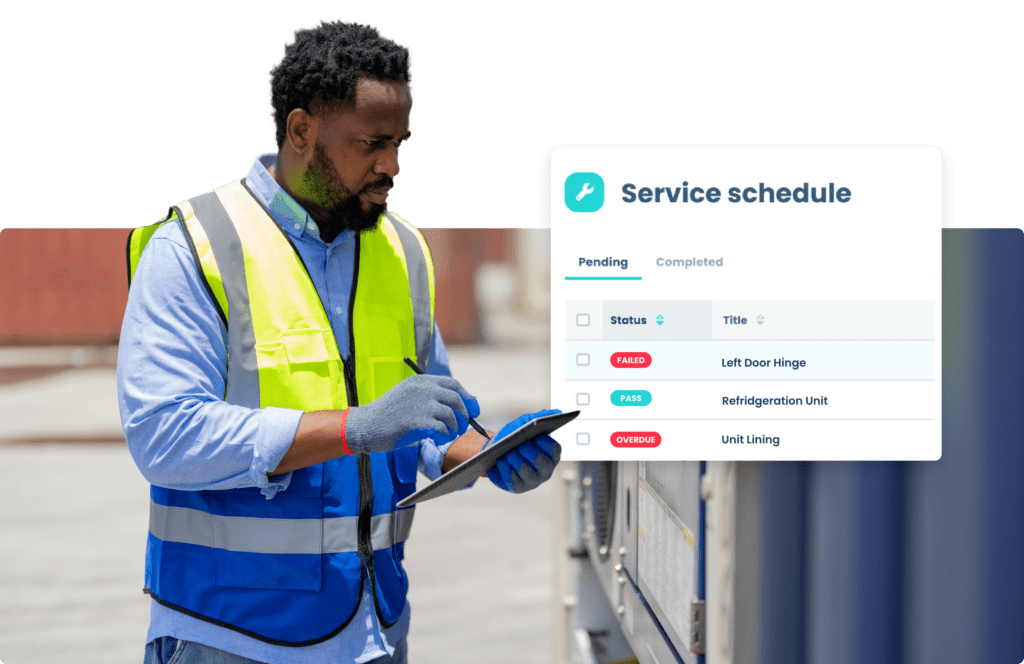
From mobile equipment to workplace essentials, teams can bring the assets they rely on into a shared inspection and maintenance process.
Things that move
Vehicles, boats, trailers, forklifts, pallet jacks, scaffolds, lawn mowers, and more.
Operational equipment
Tools, machinery, appliances, medical supplies, office equipment, and more.
Workplace essentials
Facilities, safety gear, HVAC systems, signage, packaging, and more.
Explore the work site
Visualize Your Fleet with Whip Around
Your operation relies on more than vehicles. Explore the interactive work site and select the blue markers to see examples of assets that teams can inspect and maintain with Whip Around.
How it works
From Inspection to Completed Maintenance
A consistent process helps operators report problems and gives managers a clearer view of what still needs attention.
Build forms for each asset type
Create inspection forms that reflect what an operator should check on a truck, forklift, mower, boat, or facility. Include the details your team needs to document the condition of each one.
Capture issues where work happens
Operators complete digital inspections and record findings with the asset information attached. Managers can review reported issues without sorting through paper checklists from different sites.
Move the issue into maintenance
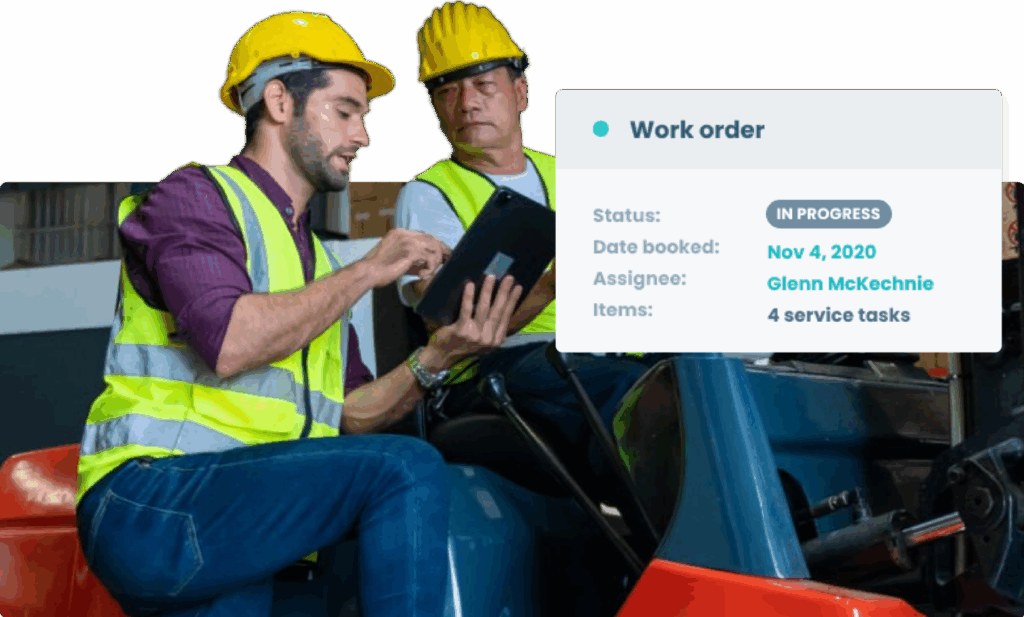
Use inspection findings and service schedules to manage maintenance work. Keep the work tied to the asset so the team can see what was reported and how it was addressed.
Refer back to the asset history
Review inspection and maintenance records in one place when planning service, checking recurring issues, or gathering documentation.
Manage Parts Inventory
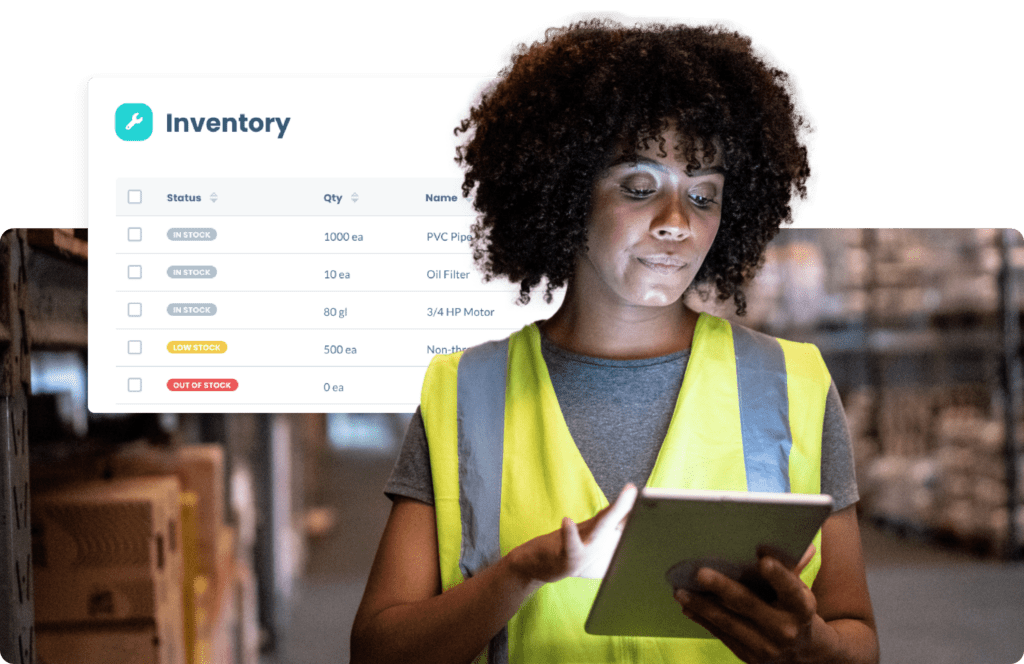
See which parts are in stock and add the ones used for work orders. Whip Around updates inventory when parts are added, tracks their cost with the repair, and alerts your team when stock runs low.
Visibility across your operation
Know Which Assets Need Attention
Separate spreadsheets and paper logs make it hard to tell which equipment was inspected, what failed, and whether the work is finished. Bringing those records together helps your team act on open issues and find the history behind each asset.
Find open issues sooner
See reported defects and inspection activity without asking each crew or location for an update. Every issue is tracked from the moment it’s reported until the repair is complete, so nothing falls through the cracks.
Stay ahead of routine service
Plan maintenance around the schedules you set for the assets your business relies on. Reminders based on mileage, engine hours, or calendar dates help your team finish service before it’s overdue.
Keep records ready to review
Pull up inspections and maintenance history when a manager, customer, insurer, or auditor needs documentation. Every record is time-stamped and stored in one place, so you can find what you need in minutes.
What customers are saying about Whip Around
Don’t take it from us. See what managers and operators are saying about Whip Around’s inspection and maintenance solution.
Olivia Gonsalves
Profit Center Manager at WHCI Supply
Whip Around has been a big win for us and has helped me keep our drivers accountable. The drivers know that I can go in and check whether the inspections were completed or not.
Christopher Bergacs
Director of Environmental Health & Safety at Mazza Recycling
Whip Around helped us manage our equipment a lot better, including inspections, preventative maintenance and work order management.
Will Wilson
Manager at U.S. Electrical Services
It’s all about building a culture of taking care of drivers, the managers communicating through the app, and drivers seeing the quality of fleet maintenance improving.
See Whip Around’s fleet asset management software in action
See how Whip Around can help your team inspect equipment, document issues, and manage maintenance alongside your vehicles.
Frequently Asked Questions About Whip Around’s Fleet Asset Management Software
Can I inspect equipment and facilities on the same Whip Around platform as vehicles?
Yes. Whip Around lets teams manage asset records and inspections for vehicles, equipment, and facilities in one platform. Each asset can have checks that fit the work it performs.
Can different assets have different inspection forms?
Yes. Teams can create custom forms for different asset types, so an operator is prompted to check the items relevant to that equipment or facility.
Can I track maintenance history for each asset?
Yes. Asset records bring inspection findings, maintenance schedules, work orders, and service history together, making it easier to review past work and plan what comes next.
Can an inspection finding become maintenance work?
Yes. A reported finding can be used to create and manage a work order, with the asset and issue details available to the maintenance team. The exact workflow depends on the features in the customer’s plan and configuration.