Save Time on Every Workflow Step from Inspection to Repair
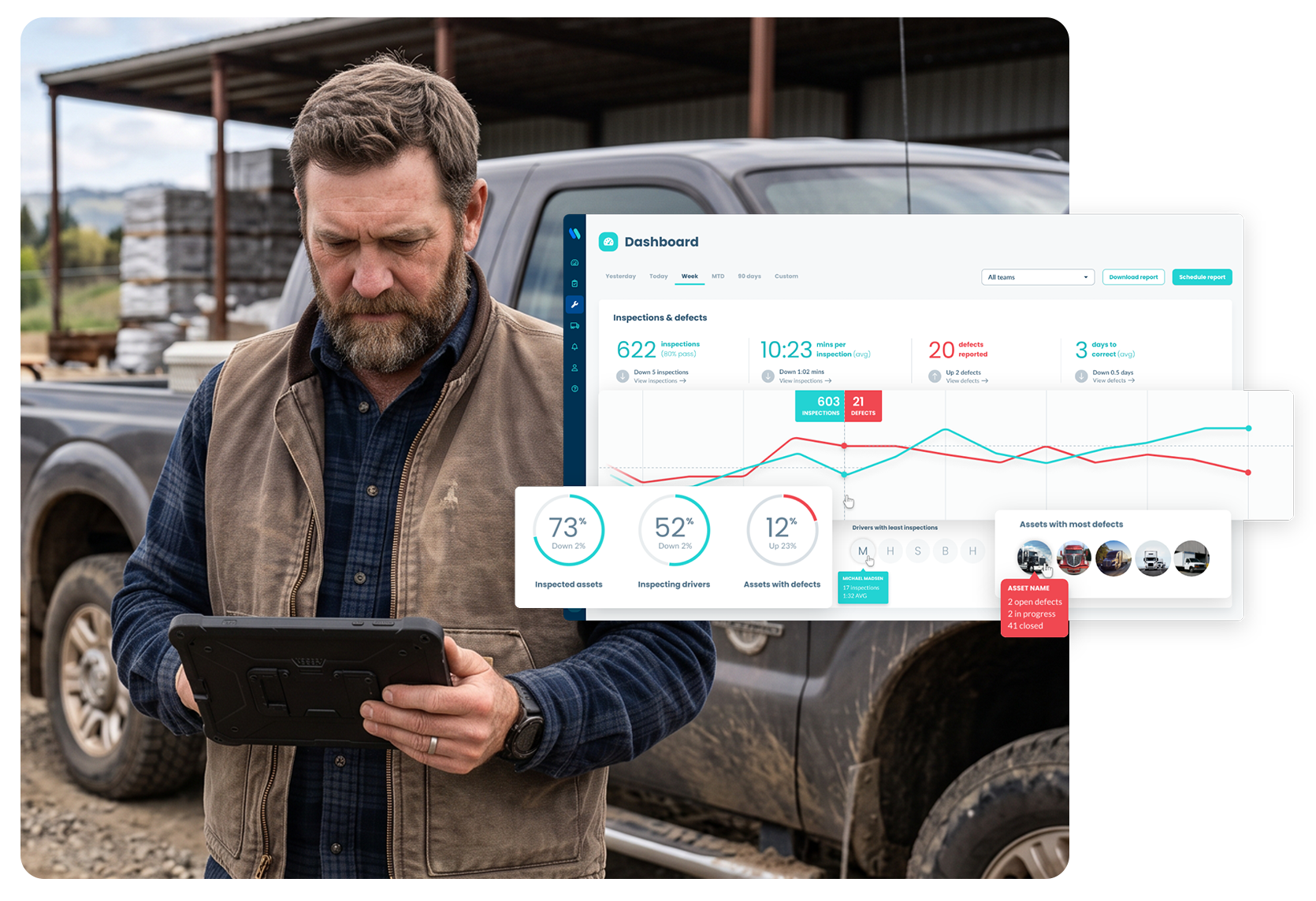
For fleet and maintenance teams, Whip Around connects inspection findings, work orders, and assignments, so the next step doesn’t depend on someone passing along a message.
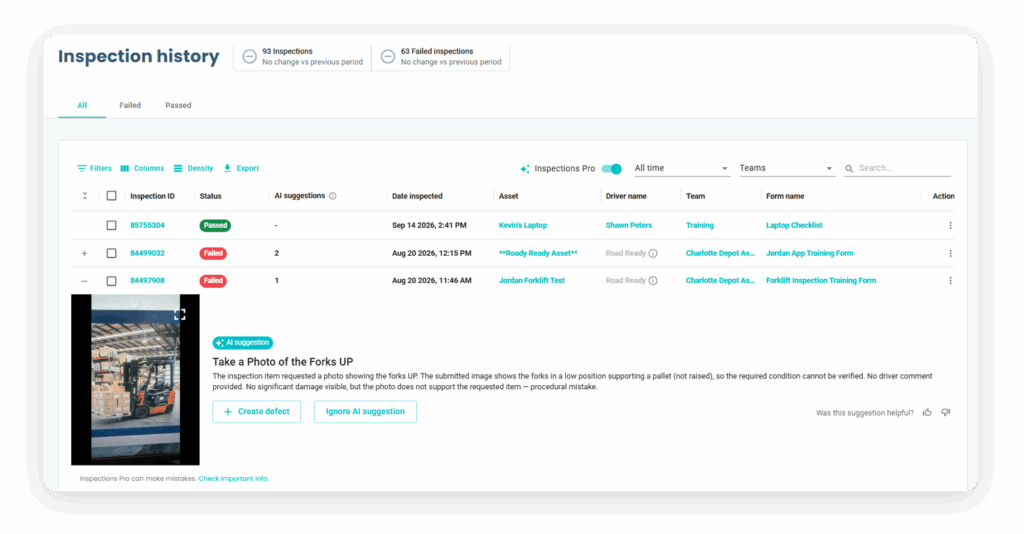
Drivers flag an issue in a digital inspection with photos and notes.
Create
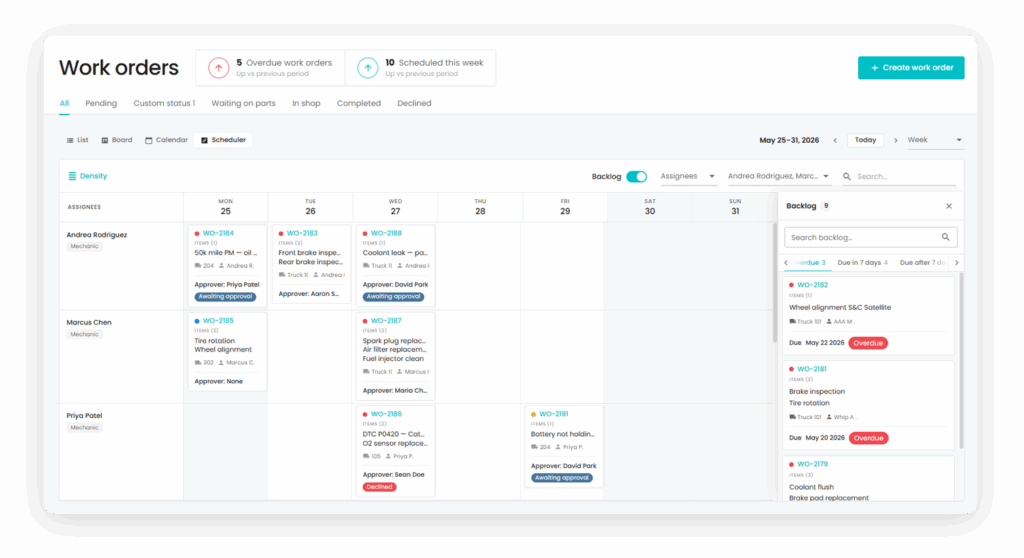
Turn the finding into a work order with the asset details attached.
Route
Assign the work and apply the relevant automation or approval rules.
Close
Record the repair in the asset’s service history.
Faster repair handoffs
Send Inspection Findings Straight to the Shop
Work orders created from inspection findings carry the photos, notes, and asset details the shop needs. Mechanics can start with the full picture instead of chasing down a driver or re-entering the defect.
Set maintenance schedules by mileage, engine hours, or time. Reminders alert your team when service is due without relying on a spreadsheet or someone’s memory.
With supported telematics integrations, fault codes and odometer readings can feed your maintenance process alongside driver-reported defects. Your team can act on vehicle data in the same place it tracks repairs.
Use rules in Workflow Automation (part of FleetAI) to respond to selected fleet events. For example, a failed inspection can trigger an assignment and mark an asset out of service according to the rule you set.
Set Shop Ops approval rules by cost, asset, or team. Routine repairs can follow the path you choose, while larger jobs reach the people who need to review them.
What Our Fleet Workflow Automation Customers Are Saying
Ryan Miller
General Manager, Northwest Repossession
"We're getting pulled over less. The few times that they have pulled us over, we're always passing with flying colors."
Reed Erskine
President, ACME Logistics
"We started to see our maintenance costs come down, resulting in over 30% per month in savings after putting Whip Around into play."
Ryan Lester
Safety Manager, Petroleum Carriers
"Whip Around has been great for us and so easy to use. We are in the middle of a DOT audit and Whip Around helps us track everything SO MUCH BETTER than before!"
Mark Smith
Construction Operations Manager, Belknap Landscape
"There is no more transferring paperwork through four facilities. This literally saves us tens of thousands of dollars a year."
Yuri Popovic Jr.
Owner, ALC Freight
"We had a couple of accidents and a failed DOT inspection, so it was a snowball that was starting to develop that we needed to get control of."
See Fleet Workflow Automation Software in Action
Show us where work slows down. We’ll walk you through how Whip Around connects inspection findings, repairs, and approvals for your team.
Frequently Asked Questions About Fleet Workflow Automation Software
What is Whip Around’s fleet workflow automation software?
It helps fleet teams move maintenance work between steps with less manual follow-up, including reporting a defect, creating a work order, assigning a repair, and sending reminders.
Can an inspection finding create a work order?
Yes. With Whip Around’s Workflow Automation feature, you can set up a workflow to create a work order when an inspection finding meets your chosen criteria. Relevant photos, notes, and asset details carry over so the maintenance team has the context it needs.
Can I set my own automation rules?
Yes, the Workflow Automation (part of FleetAI) add-on lets you set rules that respond to selected events, such as a failed inspection.
How does fleet automation software work with telematics?
Supported integrations bring fault codes and mileage data into the maintenance process so teams can follow up alongside driver-reported defects.
What should fleet management workflow automation software include?
Look for a clear path from inspection findings to work orders, assignments, service reminders, approvals, and completed repair records. Whip Around connects those steps, with advanced rules and shop approvals available through add-ons.
Can Whip Around’s automated workflows support more than vehicles?
Yes. Whip Around supports inspection and maintenance workflows for trailers, heavy equipment, and other physical assets as well as vehicles.