Towing

Your tool for superior towing fleet efficiency

Keep Your Towing Fleet Safe, Efficient And Compliant

Streamline daily operations, reduce risk, and improve performance while ensuring DOT compliance.

Detect maintenance issues

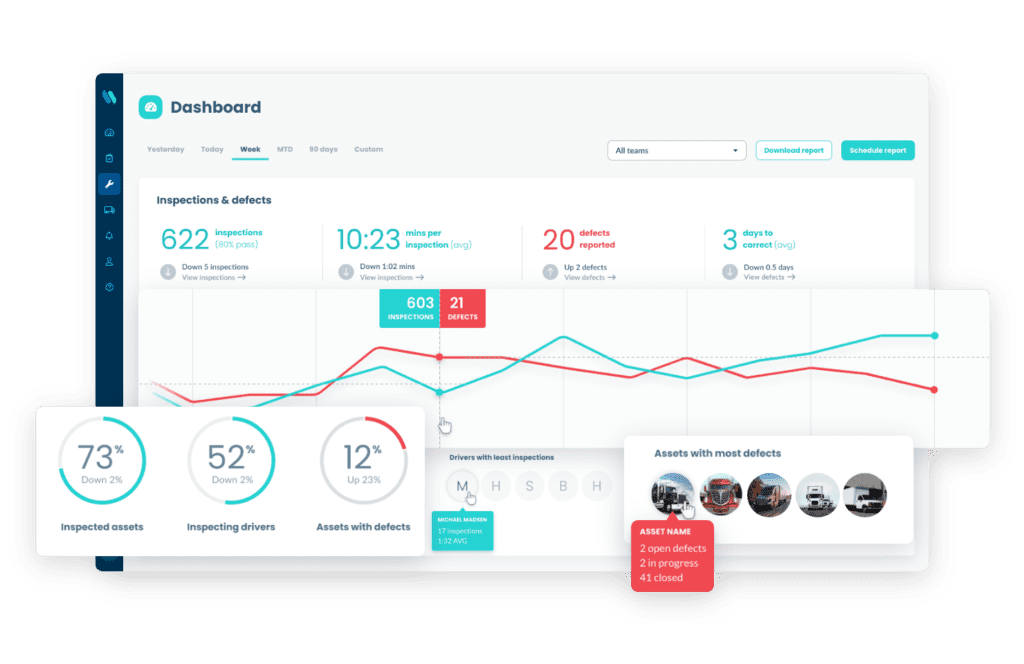
Conduct inspections to identify maintenance issues early to reduce downtime and protect your investments.

Improve safety

Real-time communication and up-to-date vehicle data help always keep your equipment safe and DOT-compliant.

Automate maintenance

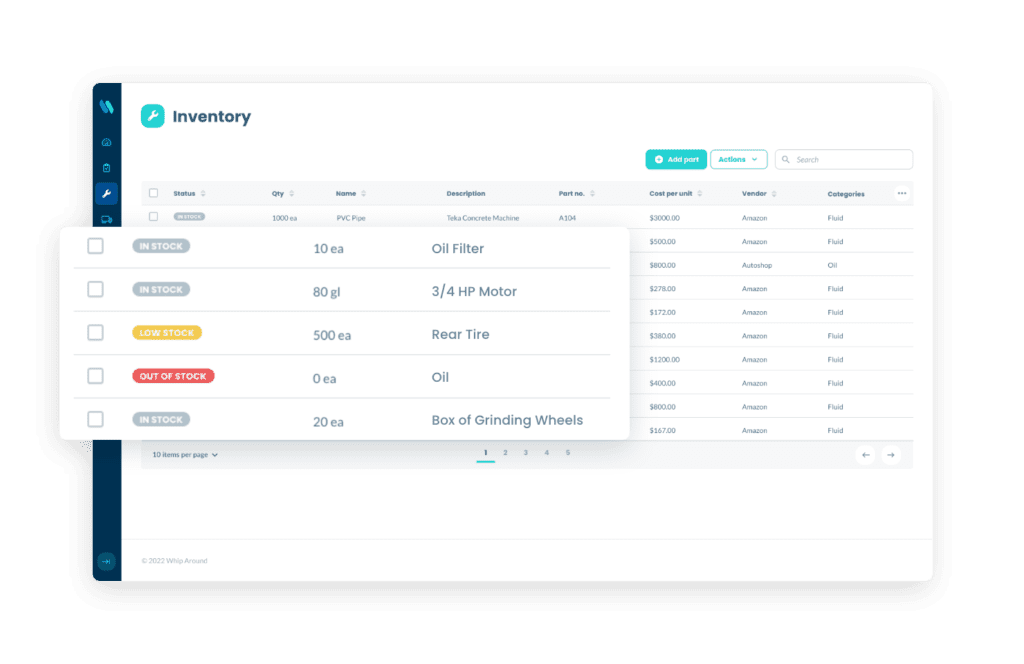
Manage work orders and service schedules, set up automated alerts and track parts & inventory in one place.

Create a safer experience for drivers and clients

Utilize safety features to protect your team

Make sure drivers conduct thorough inspections to help ensure a well-maintained towing fleet.

Minimize expenses to maximize profit

Improve your return on investment

Use fleet management software to reduce fuel costs, prevent costly repairs, improve communication, and minimize downtime.

The numerous advantages of
employing fleet management software

Streamline your tracking processes, including DOT compliance, fleet maintenance, driver data, and more.

The following are several ways fleet maintenance software promotes a safer and more profitable tow truck fleet.


Superior safety

Our feet inspection software keeps businesses in compliance. Help drivers stay safe by providing automated reminders for daily inspections and compliance checks.

Accurate timing

Get the tools to ensure drivers are held responsible for inspection and maintenance in real time. Staying current enables teams to easily oversee daily operations.

Streamlining the day-to-day

Improve communication, track fuel consumption, and provide feedback for better driving. Plus, minimize downtime, and idling time for a more productive and profitable tow truck fleet.

Contact us to book a demo of the award-winning Whip Around fleet maintenance software today.

What our construction
customers are saying

Don’t take it from us. See what leading construction brands around the globe are saying about Whip Around.


Start streamlining your fleet operations with Whip Around.

Experience the transformative impact of our advanced digital fleet maintenance platform.


Frequently Asked Questions about Whip Around and the Towing Industry

Does Whip Around support DVIR compliance for tow trucks operating under FMCSA regulations?

Yes. FMCSA requires DVIRs for any commercial motor vehicle over 10,000 lbs GVWR, which covers nearly every wrecker, flatbed, and heavy-duty tow truck on the road. Whip Around's eDVIR forms are FMCSA-compliant out of the box, and drivers complete pre-trip and post-trip inspections from the mobile app in minutes. Every inspection is time-stamped, attributed to the driver, and stored in the cloud as an audit-ready record. Failed items generate maintenance work orders automatically, so defects don't sit on a clipboard. You can also customize forms for each tow truck class (wheel-lift, flatbed, or rotator) so drivers only see the items relevant to their unit.

How does Whip Around help towing operators stay DOT compliant during roadside inspections?

When a DOT officer pulls a tow operator over, documents have to surface fast. Whip Around's Wallet feature stores registration, insurance, annual inspection certificates, IFTA decals, and operating permits directly on the driver's phone, so there's no rifling through the glovebox. The driver app also pulls up the most recent DVIR on demand. On the back end, fleet managers can export full inspection and maintenance history for any unit in a few clicks, which is  useful for CSA score disputes, post-inspection follow-up, or producing records during a compliance review. Records stay searchable indefinitely, so historical pulls are quick when an auditor asks for them.

What happens when a driver flags a defect before heading out on a dispatch call?

The moment a driver fails an inspection item, two things happen automatically. First, a maintenance work order is generated from the defect, with the photo, location, and severity attached. Second, your shop foreman or fleet manager gets notified in real time, so the truck doesn't sit on the line waiting for someone to notice. Critical defects can flag the vehicle as out-of-service so dispatch knows not to send it on another call. This closes the gap between "driver spots a hydraulic leak" and "shop knows about it" — a gap that, on paper-based inspections, can stretch into hours or days.

Can we track maintenance separately for different vehicle types — like wheel lifts, flatbeds, and rotators?

Yes. Every asset in Whip Around has its own profile, inspection form, and PM schedule. Wheel-lifts get a different inspection checklist than a heavy-duty rotator — and their maintenance intervals can run on completely different triggers (mileage on a light-duty wrecker, engine hours on a rotator, calendar date on a flatbed used seasonally). You can also categorize assets by class, region, or yard so reporting rolls up cleanly. Service history is kept per asset, so if a rotator needs warranty documentation or you're spec'ing a replacement, the full record is one click away.

How does Whip Around help us manage a mixed fleet of light-duty and heavy-duty tow trucks?

Mixed fleets are common in towing:  a light-duty wrecker for repos and short hops, a heavy-duty rotator for commercial recoveries. Whip Around lets you build a tailored inspection form for each class, set different PM cadences (light-duty often runs on mileage; heavy-duty often on engine hours), and view the entire fleet on one compliance dashboard. There's no per-vehicle or per-user fee, so adding a new unit doesn't trigger a procurement conversation. Drivers see only their assigned vehicle and form, while managers see fleet-wide status across every wrecker, flatbed, and rotator from a single view.

How does Whip Around help us reduce liability when a vehicle is involved in an incident during a tow?

After-incident liability often comes down to one question: can you prove the truck was inspected and roadworthy before the call? Whip Around's time-stamped, photo-documented DVIRs answer that question. Every inspection is tied to a driver, dated to the minute, and stored in the cloud with the original photos attached. AI Inspections Pro adds another layer — it reviews driver-submitted photos automatically and flags defects a tired driver or a busy reviewer might miss, so issues like a worn tie-down chain or a leaking hydraulic line get surfaced before the truck rolls. If a piece of equipment fails on the road, you can show exactly what condition it was in pre-dispatch. Customer vehicle condition reports, captured before and after the tow, also protect against damage claims. Records are exportable as PDFs for insurers, attorneys, or DOT investigators.

Does Whip Around integrate with dispatch or GPS systems commonly used in towing operations?

Whip Around integrates with the major telematics providers — Geotab, Samsara, and Motive — pulling in fault codes, engine hours, mileage, and location data to drive maintenance workflows. When a fault code fires on a Samsara-connected wrecker, for example, Whip Around can auto-generate a work order. Additional integrations are listed on Whip Around’s integrations page, and many towing operations run Whip Around alongside their dispatch software (TowBook, Beacon, and others) without a direct API tie — the two systems work in parallel, with Whip Around handling the inspection, maintenance, and compliance layer. Talk to sales about your specific stack.

Can drivers document the condition of customer vehicles before and after a tow directly in the app?

Yes, and most towing operators set this up as a separate inspection form within Whip Around. Drivers walk the customer vehicle before hooking up, photograph existing damage, note pre-existing scratches or dents, and capture the same documentation when they drop the vehicle off. Photos are time-stamped, geo-tagged where the device allows, and stored in the cloud against that specific job. If a customer disputes damage afterward, you have a defensible record. Some operators also share a copy of the condition report with the customer at hookup to head off disputes before they start.